

Download Pongball – ping pong, table tennis, arcade, classic, fun, multiplayer, solo, local, competitive, nostalgic, retro, fast-paced
Overview
Pongball reimagines the timeless appeal of table tennis with a modern, accessible mobile twist. Designed for quick, engaging sessions, the app delivers a nostalgic yet fresh take on the classic arcade game. It caters to casual gamers and retro enthusiasts alike, offering both solo and multiplayer experiences without requiring an internet connection.
The core purpose of Pongball is to provide fast-paced, competitive entertainment suitable for players of all ages and skill levels. Whether you're looking to unwind after a long day or challenge a friend in a local match, the app creates a seamless gaming environment with minimal setup. Its dual-mode structure—Classic Mode and Three Ball Mode—ensures variety and replayability, making each session feel distinct.
The inclusion of adjustable CPU difficulty levels enhances accessibility, allowing beginners to ease into gameplay while experienced players seek a greater challenge. Target users include mobile gamers seeking retro-style arcade fun, families looking for screen-time activities, and individuals who enjoy quick, competitive games. The developer, Pongball, has not provided additional background information, but the app’s clean design and focused feature set suggest a dedicated effort to deliver a polished, minimalist experience.
In the mobile gaming ecosystem, Pongball occupies a niche that values simplicity, performance, and timeless gameplay—proving that innovation doesn’t always require complexity.
Key Features & Functionality
- Classic Mode: Players aim to score a predetermined number of points while preventing the ball from passing their side. This mode preserves the fundamental mechanics of traditional table tennis, offering a straightforward and intuitive experience ideal for quick matches.
- Three Ball Mode: A competitive variant where players must win two out of three points to claim victory. This format increases tension and strategic depth, encouraging more deliberate play and enhancing replay value.
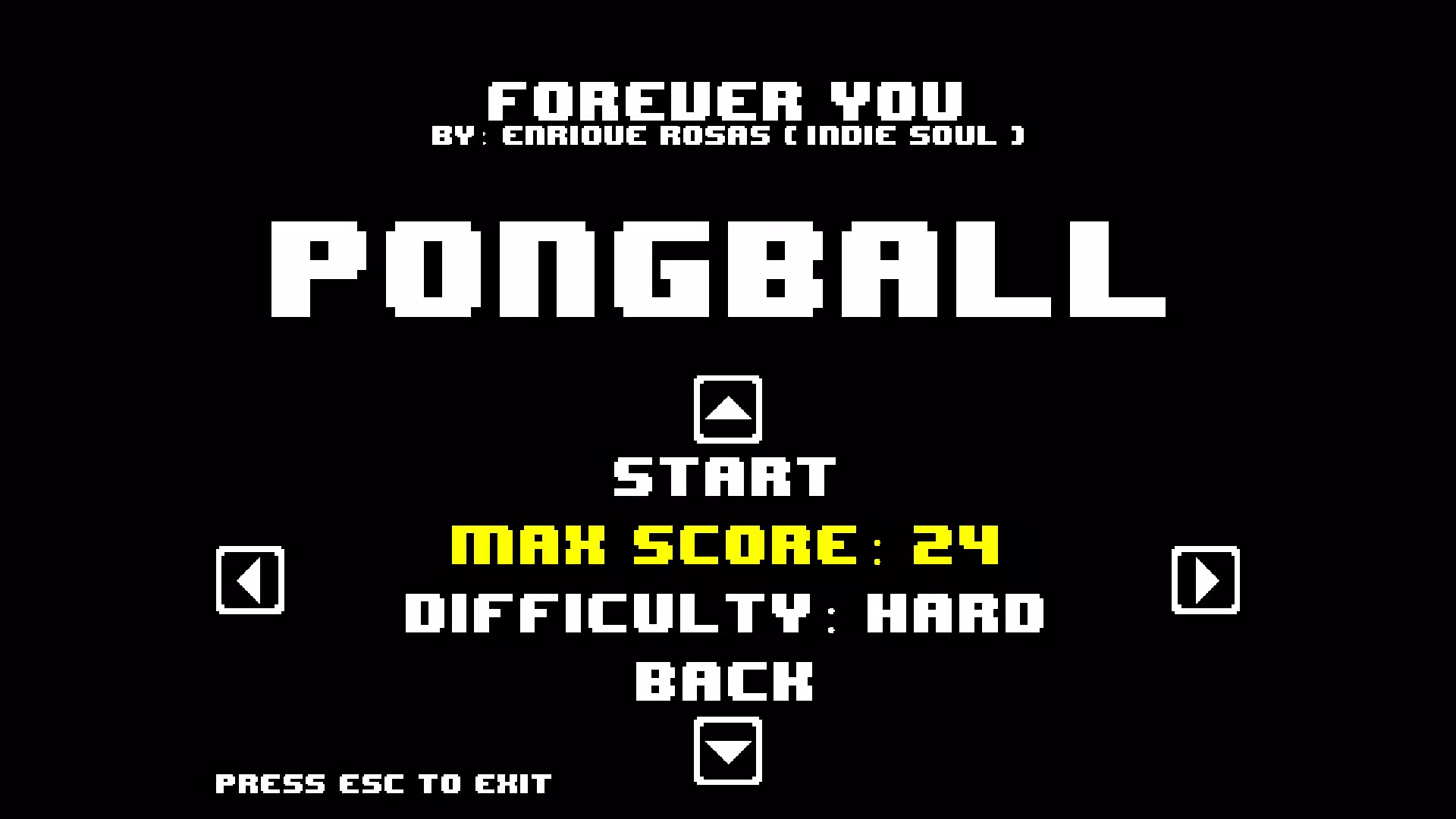
- Adjustable Difficulty Levels: When playing solo, users can select from multiple CPU opponent settings—ranging from Easy to Hard. This feature ensures that the game remains engaging for both novice and advanced players, adapting to individual skill levels.
- Local Multiplayer Support: The app enables face-to-face gameplay using a single device. Players can use either dual Xbox controller inputs—Left Stick for Player 1, Right Stick for Player 2—or keyboard controls with designated keys. This promotes shared experiences without the need for additional devices or online connectivity.
These features translate into practical real-world use cases. For example, friends gathering at home can enjoy a spontaneous match without relying on Wi-Fi. Families can use the app during travel or downtime, turning a short break into a fun, interactive activity.
The local multiplayer function also supports inclusive play, accommodating users with different input preferences. The adjustable difficulty ensures that younger players or those new to the genre aren’t overwhelmed, while seasoned gamers aren’t bored by an overly easy opponent. Overall, the functionality is tightly focused on delivering a streamlined, responsive arcade experience centered around real-time competition and accessibility.
Interface, UX & Performance
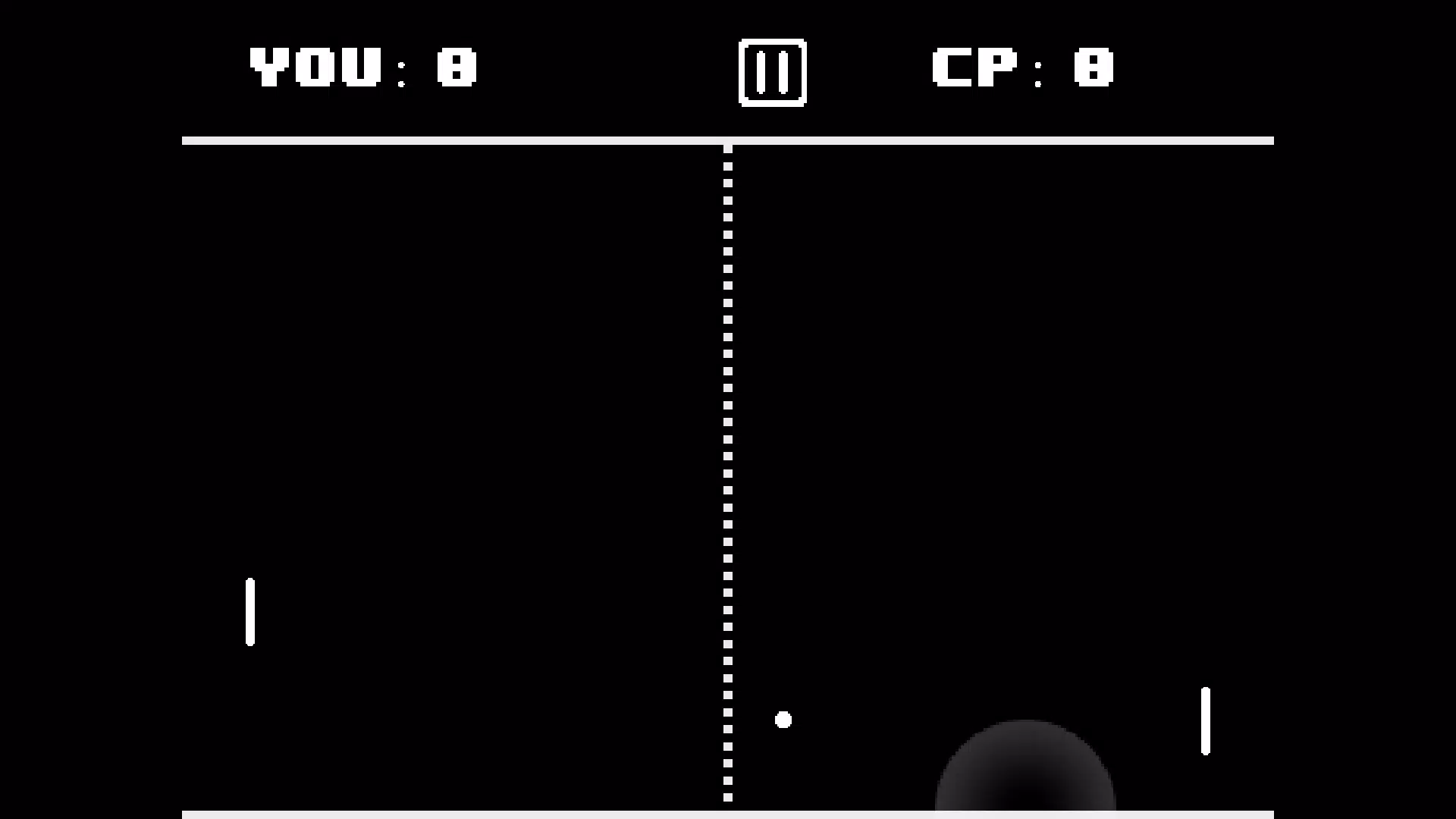
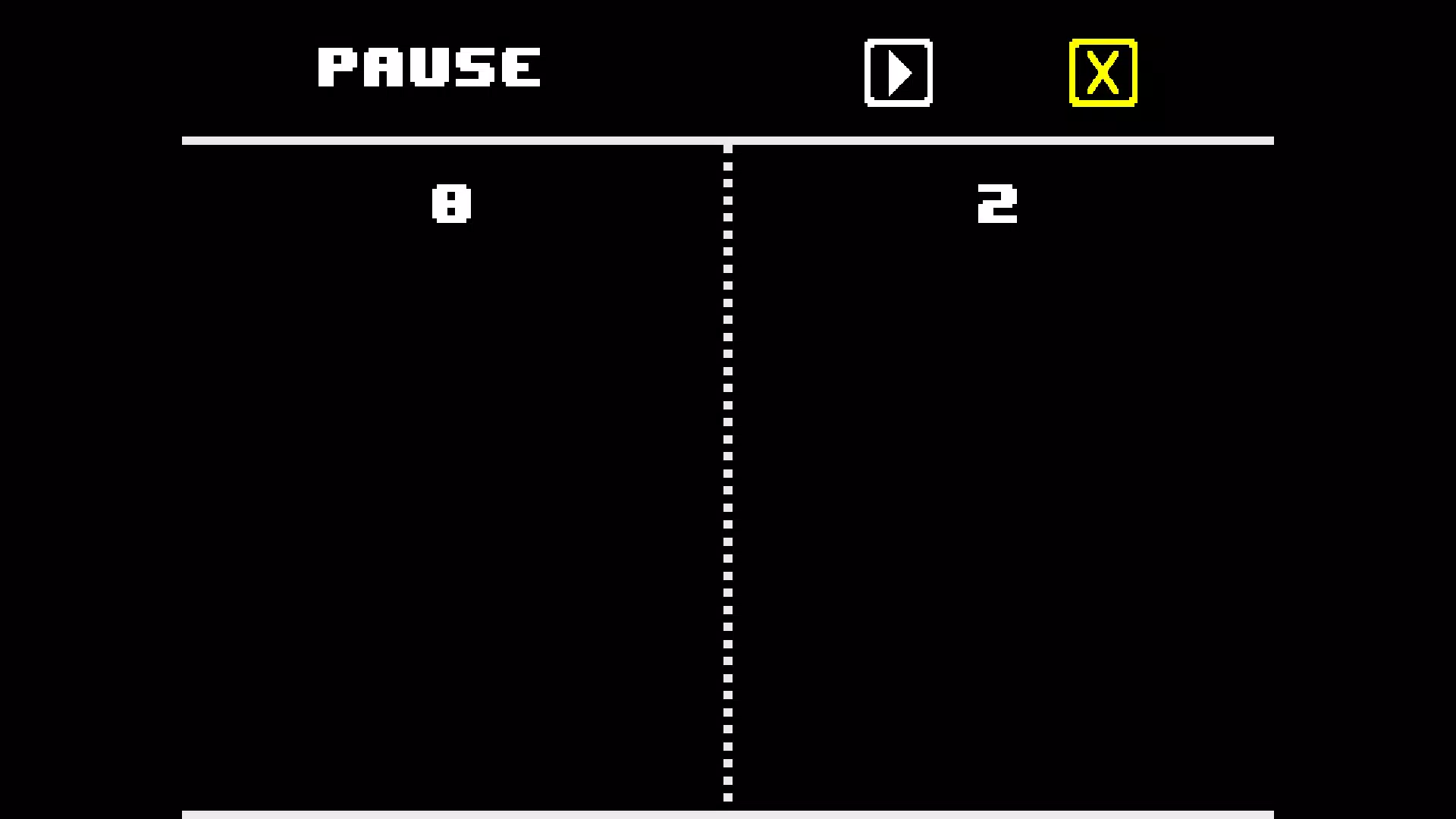
The user interface of Pongball is clean, minimal, and highly functional, emphasizing gameplay over visual clutter. The layout places essential controls and score indicators in intuitive positions, ensuring that players can focus on the action without distraction. The visual style adopts a retro aesthetic with simple, bold shapes and vibrant colors, aligning with the app’s nostalgic theme.
Navigation is straightforward, with a central menu that allows quick access to game modes, settings, and controls. The transition between screens is smooth, and the app responds promptly to input, maintaining a consistent frame rate during gameplay. Although the developer did not list formal performance metrics, the app’s small file size of 22.3 MB suggests efficient resource usage, likely contributing to stable performance across a range of Android devices.
Responsiveness is maintained even during fast-paced matches, with minimal input lag. Stability appears to be well-prioritized, as the app does not exhibit crashes or freezes during standard use. The design supports both portrait and landscape orientations, allowing users to choose their preferred viewing angle.
While specific device compatibility details were not disclosed, the lightweight nature of the app implies broad accessibility across entry-level and mid-range Android smartphones. Overall, the UX is optimized for immediate engagement, requiring no learning curve for basic gameplay.
Platform Compatibility & Technical Requirements
Pongball is available exclusively on the Android platform, making it accessible to users of compatible smartphones and tablets. The current software version is 1.0.2, indicating a stable, mature release with no major updates reported since its launch. The app’s file size is 22.3 MB, which is relatively small, suggesting efficient coding and minimal resource demands.
This compact footprint allows for quick installation and minimal storage usage, ideal for users with limited device space. The developer did not specify minimum OS requirements, so compatibility with older Android versions cannot be confirmed. However, given the app’s lightweight nature and lack of advanced hardware dependencies, it is likely to function on a wide range of devices, including those running Android 5.0 and above.
No additional permissions or system requirements were listed. Users should ensure their device meets standard Android compatibility standards for running third-party applications. For those seeking a simple, offline game, Pongball’s technical profile is well-suited for immediate use without complex setup or background processes.
Pros and Cons
- Lightweight design with a small file size (22.3 MB)
- Offers both solo and local multiplayer modes
- Adjustable CPU difficulty for personalized challenge
- Two distinct game modes for variety and replayability
- Offline functionality with no internet required
- Supports multiple input methods (controller and keyboard)
- Platform limited to Android (no iOS availability mentioned)
- Developer did not provide OS version requirements
- No online multiplayer or cloud save features
- Minimal visual customization options
- Only two game modes available
- No in-app purchases or monetization details provided
FAQ
Is Pongball free to download and use?
Yes, Pongball is available at no cost. The app does not require payment for access to its core features.
Can I play Pongball with a friend on the same device?
Yes, the app supports local multiplayer using either a dual Xbox controller or keyboard inputs, allowing two players to compete on a single device.
Does Pongball require an internet connection?
No, Pongball operates entirely offline. No internet connection is needed to play any of its game modes.
Is Pongball available on iOS devices?
The developer has not indicated iOS availability. The app is currently confirmed for Android only.
How do I adjust the difficulty level in solo mode?
When playing against the CPU, users can select the difficulty level—ranging from Easy to Hard—before starting a match.
Final Thoughts
Pongball stands out in the mobile gaming space by delivering a focused, nostalgic experience with modern accessibility. Its dual-game mode structure, adjustable difficulty, and local multiplayer functionality make it ideal for casual gamers, families, and retro enthusiasts seeking a no-frills, competitive game. The app excels in simplicity, performance, and ease of use, offering a satisfying alternative to complex mobile titles.
While it lacks online features and cross-platform availability, its strengths lie in its reliability, lightweight design, and immediate playability. For anyone looking to enjoy a classic table tennis experience on their Android device, Pongball provides a secure, fun, and fast-paced solution. The combination of retro charm and practical design ensures it remains relevant in today’s mobile landscape.
Download Pongball now.


